Stream Smarter with NexusLaunch
One Launcher. Infinite Worlds.
Enable Streaming Mode Watch Setup GuideZero-Latency Overlay Engine
Drop NexusLaunch’s native overlay into your OBS canvas with a single click. Our hardware-accelerated compositing pipeline adds less than 12ms of frame latency, keeping your gameplay buttery smooth while displaying live XP trackers, party voice states, and dynamic loot alerts.
Configure color themes, font scaling, and trigger conditions directly from the launcher settings. No external plugins, no script conflicts—just clean, native integration that respects your GPU headroom.
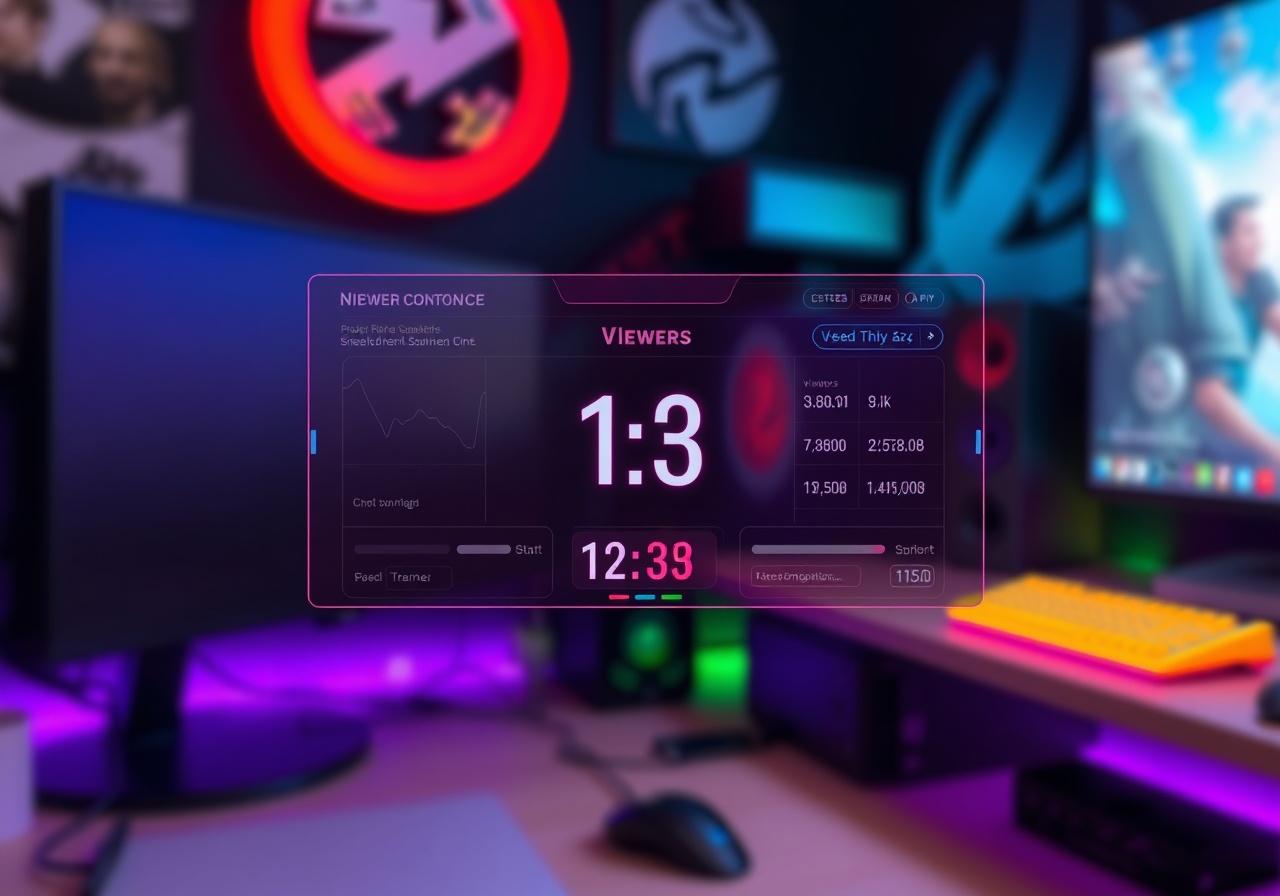
Real-Time Viewer Analytics & Scene Triggers
Turn chat activity into live production cues. NexusLaunch monitors your connected streaming platform and pushes actionable metrics straight to your desktop dashboard.
Auto-Scene Switching
Map OBS scenes to in-game events. When your party enters a raid boss, the launcher automatically pushes a webhook to switch to your cinematic camera angle and trigger the donation alert layer.
Viewer Interaction Widgets
Deploy drop-in chat polls, prediction markets, and emote rain directly from the launcher. Viewers vote in real-time while you track engagement heatmaps and peak concurrent viewer counts on your desktop.
Performance Telemetry
Monitor CPU/GPU temperature, frame pacing, and network jitter alongside your stream health. Export CSV reports post-broadcast to optimize your encoding settings for the next session.